


Using the Website
Those who have completed registration (payment of participation fee) can use the following features on the symposium website.
・View program and abstract
・Viewing and downloading keynote lecture materials and research papers (PDF)
・Listening to the live stream
・Viewing the e-poster
・Bookmark registration and create My Program PDF
・Register comment
【How to view】
①Access the website.
②Click the login button at the top right of the main screen and enter your ID and password used during registration → login
③From the "Timetable" or "Session List" under "Program" on the left side of the site, you can view, attend, or download the presentations you wish to access.
Click here for details on how to view(in Japanese)
- After accessing the conference website, if you try to view the program or abstract collection (PDF) without logging in as in step ②, the following message will appear.
Please click the login button and enter your ID and password.
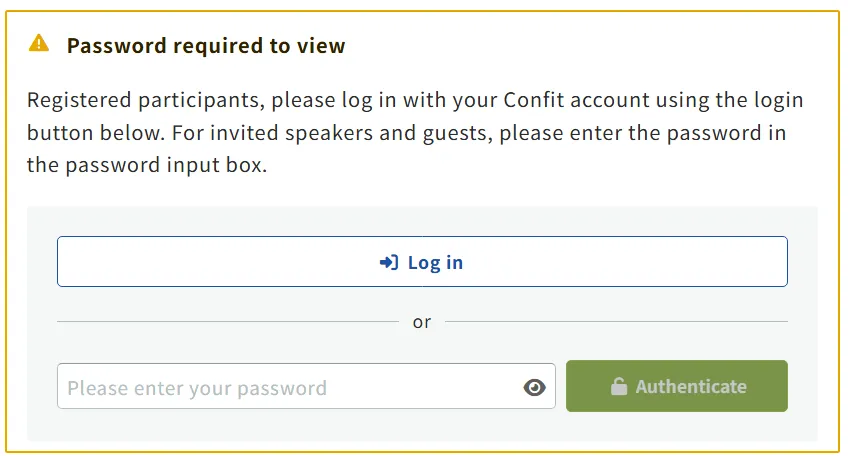
- Those who have not completed the payment of the participation fee cannot use the service. Please consult the JWEA Secretariat (info@jwea.or.jp).
- For information on how to attend, please read 'For Online Participants' on the conference website.